
NCDPI has added the 3-Year Accelerated Graduate Pathway flag for all PSUs.
This flag identifies students who opt into the 3-year accelerated graduation pathway before entering 9th grade, as authorized by SBE policy GRAD-006 under SESSION LAW 2023-134, HOUSE BILL 259 .
Apply this flag to any student who:
- Is entering high school for the first time (before Grade 9), and
- Has chosen and been approved to participate in the 3-year accelerated graduation program per SBE policy Accelerated Pathway for Early Graduation in Three Years (GRAD-006).
PSUs must follow GRAD-006 and maintain written documentation confirming a student's acceptance into the program before assigning the flag. This flag should be added as soon as documentation is received in order to be used in state reporting.
Updating or Removing the Flag
- Once assigned, the flag remains active for the student unless they exit the program.
- If removal is necessary, enter an end date and record the reason for removal in the participation details.
Important Distinction
Students who begin 9th grade on a traditional schedule and later graduate early will not receive this flag.
Adding a Flag
Navigation: Menu > Student Information > General > Flags
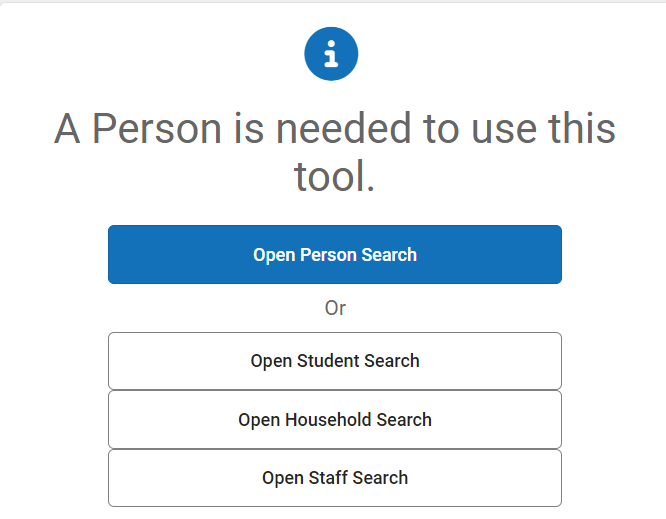
1. Select a Student: If a student is not selected, click Open Student Search tool to search by the student's name. Search for students using advanced searches or Ad Hoc Filters as needed. Select the student's name to open the Flags tool. If a student was already selected, the Flags tool will open automatically.
2. Click New.
3. Select 3-Year Accelerated Graduate Pathway flag from the Flags dropdown menu.
4. Enter the Start Date.
5. Click Save to add the program for the student.

The flag will appear at the top of each student tool.

Ending a Flag
Navigation: Menu > Student Information > General > Flags
1. Select a Student: If a student is not selected, click Open Student Search tool to search by the student's name. Search for students using advanced searches or Ad Hoc Filters as needed. Select the student's name to open the Flags tool. If a student was already selected, the Flags tool will open automatically.
2. Select the 3-Year Accelerated Graduate Pathway flag.
3. Enter an End Date.
4. Enter the reason for the removal in the Participation Details.
5. Click Save to end the flag.

The flag will remain in the student's flag tool, but will no longer be displayed on each student tool.

